
I’ve spent the last few hours patching self-hosted websites. If you run a website yourself, or pay someone to look after one, this is worth a few minutes of your attention.
Two serious security vulnerabilities, CVE-2026-109618 and CVE-2026-109619, are being discussed under the name PHP2Shell.
Those numbers are reference labels for the security flaws. You don’t need to memorise them. What matters is understanding where the problem lives, what it could allow, and what needs updating.
First, what is PHP?
When you visit a website, your browser shows you the finished page. Behind the scenes, software often assembles that page, fetches information and handles things like logging in.
PHP does that work for many websites, including those built with WordPress, Drupal and Joomla.
Think of your website as a café. The pages visitors see are the dining room. PHP works in the kitchen, preparing what gets served.
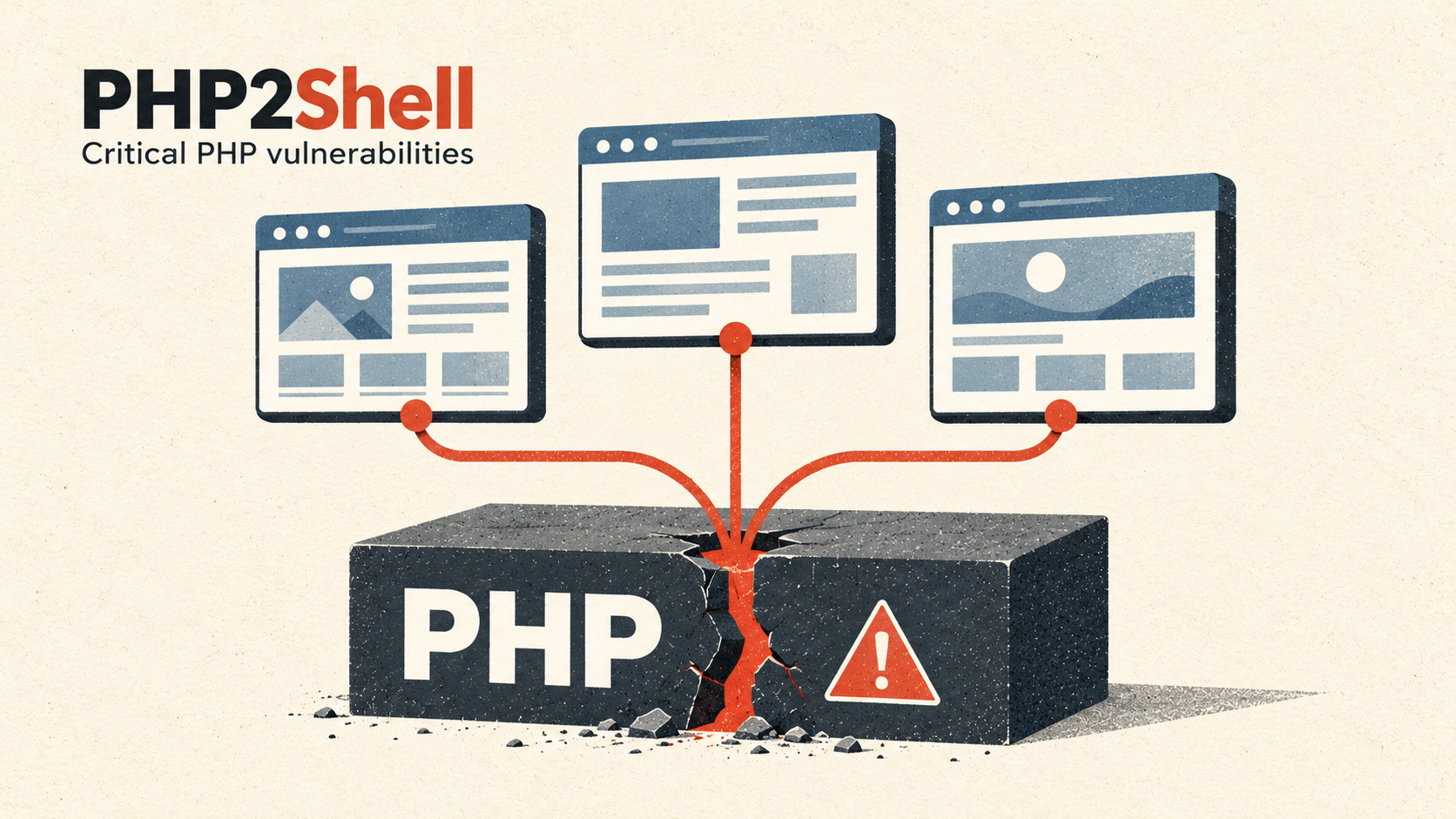
With PHP2Shell, the problem is in the kitchen equipment. Even a carefully maintained website can be exposed if the PHP underneath it is vulnerable. Researchers demonstrated attacks against several popular website platforms. Wiz’s research explains the findings.
What has gone wrong?
Both vulnerabilities involve PHP getting confused about its working memory—the temporary space it uses while handling requests.
CVE-2026-109618 concerns what happens when PHP runs out of available memory during certain operations. Work can stop halfway through, leaving internal information in an unsafe condition. PHP may then try to use that information during cleanup.
Imagine a cook being interrupted halfway through preparing an order, then someone treating the unfinished preparation as ready to serve. Carefully crafted requests can turn that mistake into an opportunity to run an attacker’s instructions. PHP’s advisory for CVE-2026-109618.
CVE-2026-109619 involves information from one request hanging around after the memory it belonged to has been released. A later request can encounter those leftovers before PHP properly resets things.
That is a bit like reusing an order slip after its table number has been assigned to someone else. PHP acts on information that no longer means what it thinks it means. Under the right conditions, an attacker can exploit that confusion to run code. PHP’s advisory for CVE-2026-109619.
What could someone actually do?
“Remote code execution” is the technical phrase you’ll see in reports. In everyday language, it means someone could send requests over the internet and make the server run instructions of their choosing, potentially without logging in.
That runs with the permissions of the website’s PHP process. It does not automatically give an attacker every possible privilege, but it can still put website files and accessible information at serious risk. PHP’s confirmed impact assessment.
Researchers also demonstrated ways to expose information from PHP’s memory, potentially including passwords, access tokens and other secrets. Wiz’s findings.
Does this affect anything running an affected PHP version?
Anything serving web requests through affected PHP needs checking.
That includes small personal sites, business websites and custom applications. Having a simple site is not enough to dismiss the risk.
However, being affected does not mean every installation is equally easy to attack, or that it has already been compromised. The PHP version, server configuration and application behaviour influence which attack paths are available. The official advisories describe those differences. CVE-2026-109618, CVE-2026-109619.
For me, that makes checking the underlying PHP installation essential. Seeing “WordPress is up to date” answers a different question.
Which versions contain the fixes?
PHP released fixes on 21 October 2026:
| PHP branch | Release containing the fixes |
|---|---|
| 8.2 | 8.2.35 |
| 8.3 | 8.3.36 |
| 8.4 | 8.4.27 |
| 8.5 | 8.5.12 |
Use these releases or a newer supported release containing the fixes. Some operating-system vendors apply security fixes to their existing packages, so their version numbers may look different. Check the vendor’s security notice.
PHP 8.1 and older no longer receive normal updates from the PHP project. If you depend on one of those versions, ask your provider about patched packages and plan a move to a supported release. PHP’s official update guidance.
One extra detail if you have already patched
On 23 October, PHP published a follow-up notice about a separate, unusual combination of session settings.
The team recommends temporarily disabling its session upload-progress feature until the next regular bugfix release. The setting is session.upload_progress.enabled=0. If someone manages your hosting, pass them the notice so they can check it.
This follow-up is tracked as CVE-2026-115560. It is another detail to account for alongside the original updates. PHP’s follow-up notice.
What I’d recommend doing now
If someone else manages your website, ask them to confirm that the PHP actually serving it has the PHP2Shell fixes, and that they have reviewed the follow-up notice.
If you manage it yourself, my practical checklist would be:
- List every PHP website and service. Include forgotten test sites and older installations.
- Take a current backup, then update promptly.
- Restart the relevant PHP services or replace running containers, following your provider’s instructions.
- Verify each website is using the patched installation. Updating one PHP copy does not necessarily update every site.
- Test the important journeys: signing in, submitting forms, uploading files and completing purchases.
- Investigate anything suspicious. A patch closes a vulnerability; it does not remove changes an attacker may already have made.
If you find evidence of a break-in, get help checking the system and replacing any exposed credentials.
Why this deserves the time
Self-hosting gives you control. It also means keeping track of the software beneath the websites you see every day.
That maintenance is easy to overlook when everything appears to be working.
The hours spent patching are inconvenient. But keeping the foundations maintained is part of looking after a website—and the people who trust it.
Details checked on 24 October 2026. Check the linked PHP notices for subsequent updates.